



-
 Pick up from the Woodmart Store
-
 Courier delivery
-
 DHL Courier delivery
Face-to-face communication, considered.
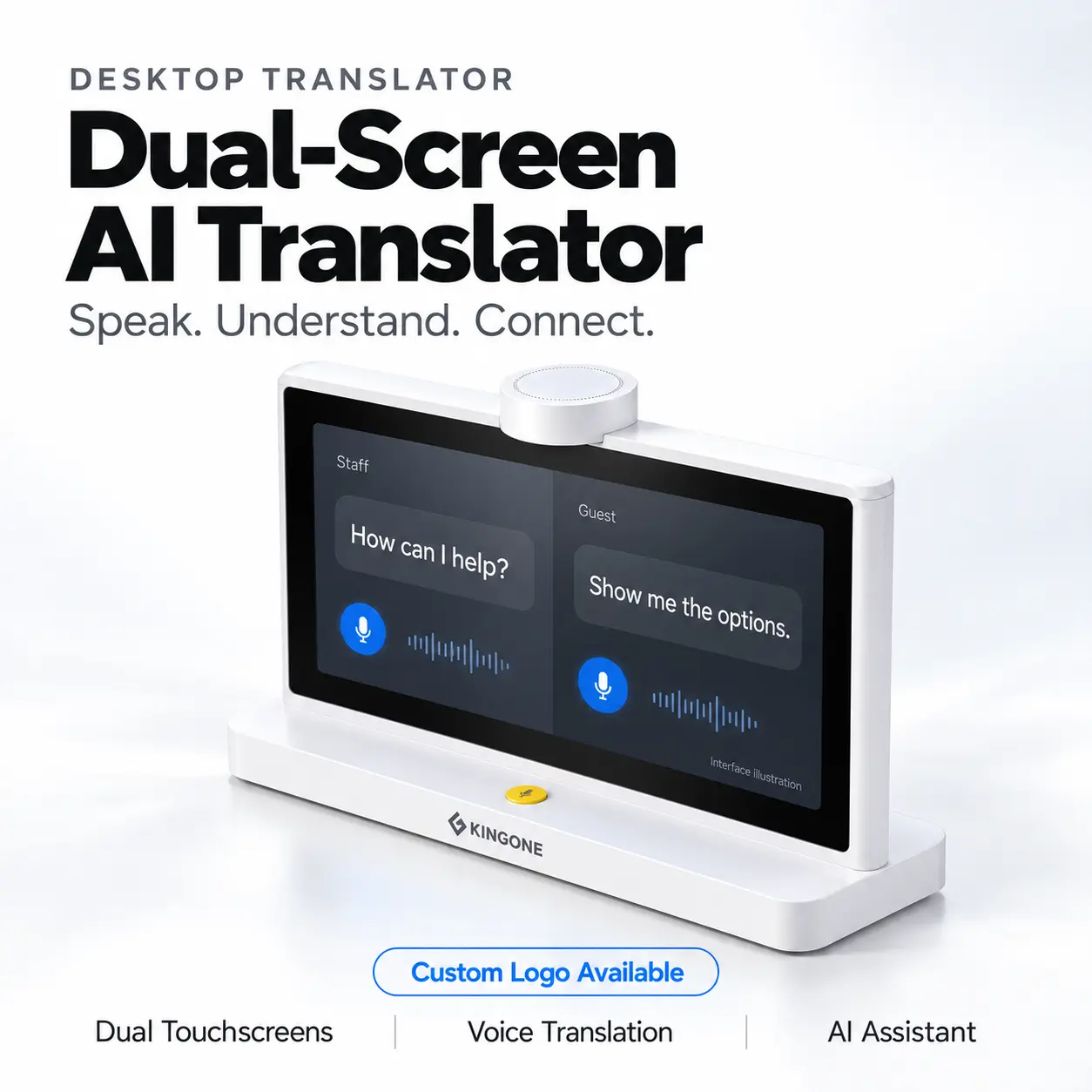
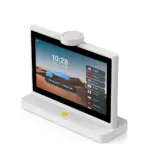
Desktop Dual-Screen
AI Translator
A screen for each person. More context for every exchange. Explore voice translation, AI assistance and company information in one dedicated desktop device.
Designed around the conversation
Keep both sides
in the picture.
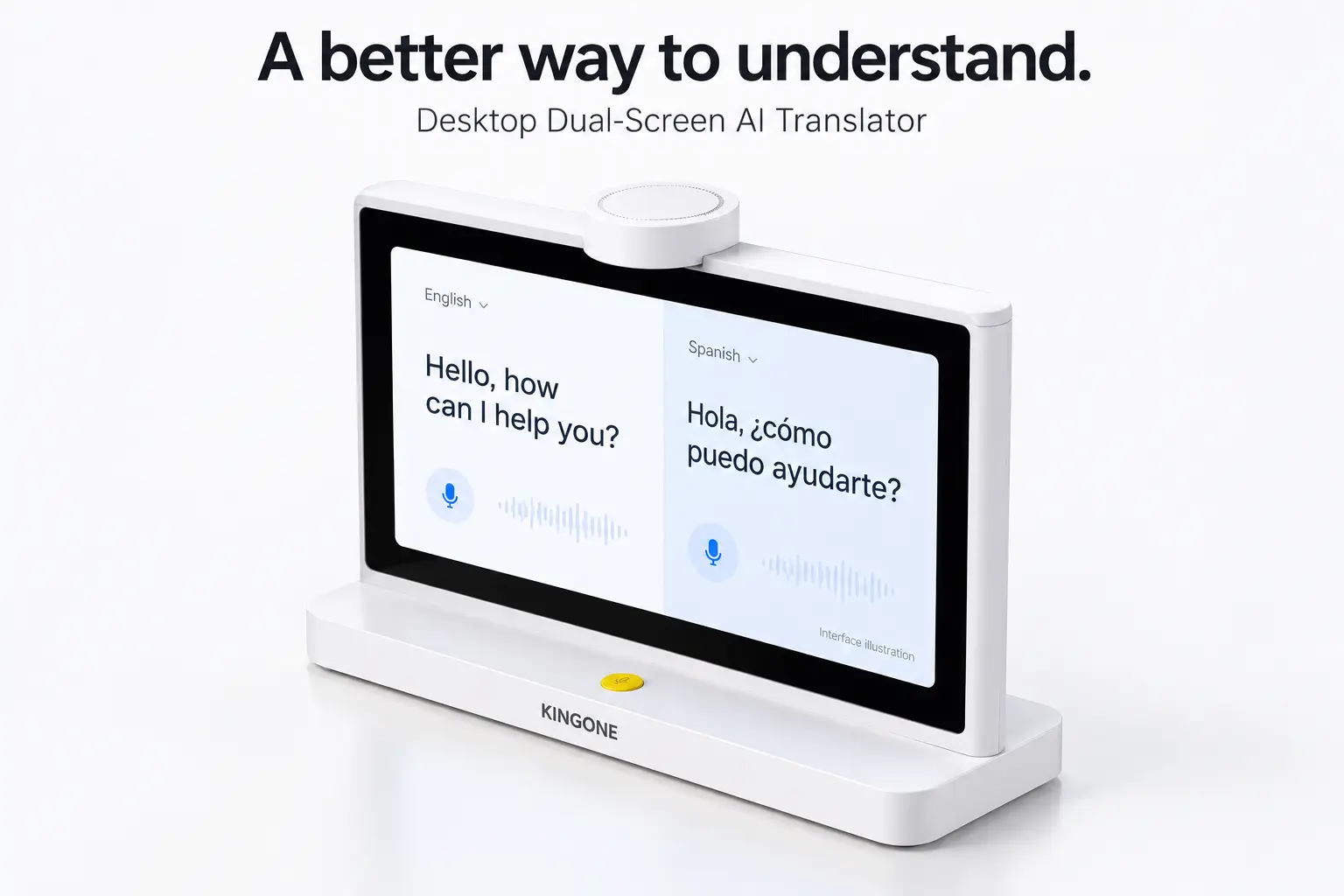
When people speak different languages, following the conversation should feel straightforward. This dual-screen translator places a touchscreen on each side of the device.
The arrangement is designed to keep translated information within view, reducing the need to pass a phone across the counter or repeatedly turn a single screen around.
A shared focus, with a view for each person. A practical format for a guest enquiry, product explanation or one-to-one business discussion.
Your own view.
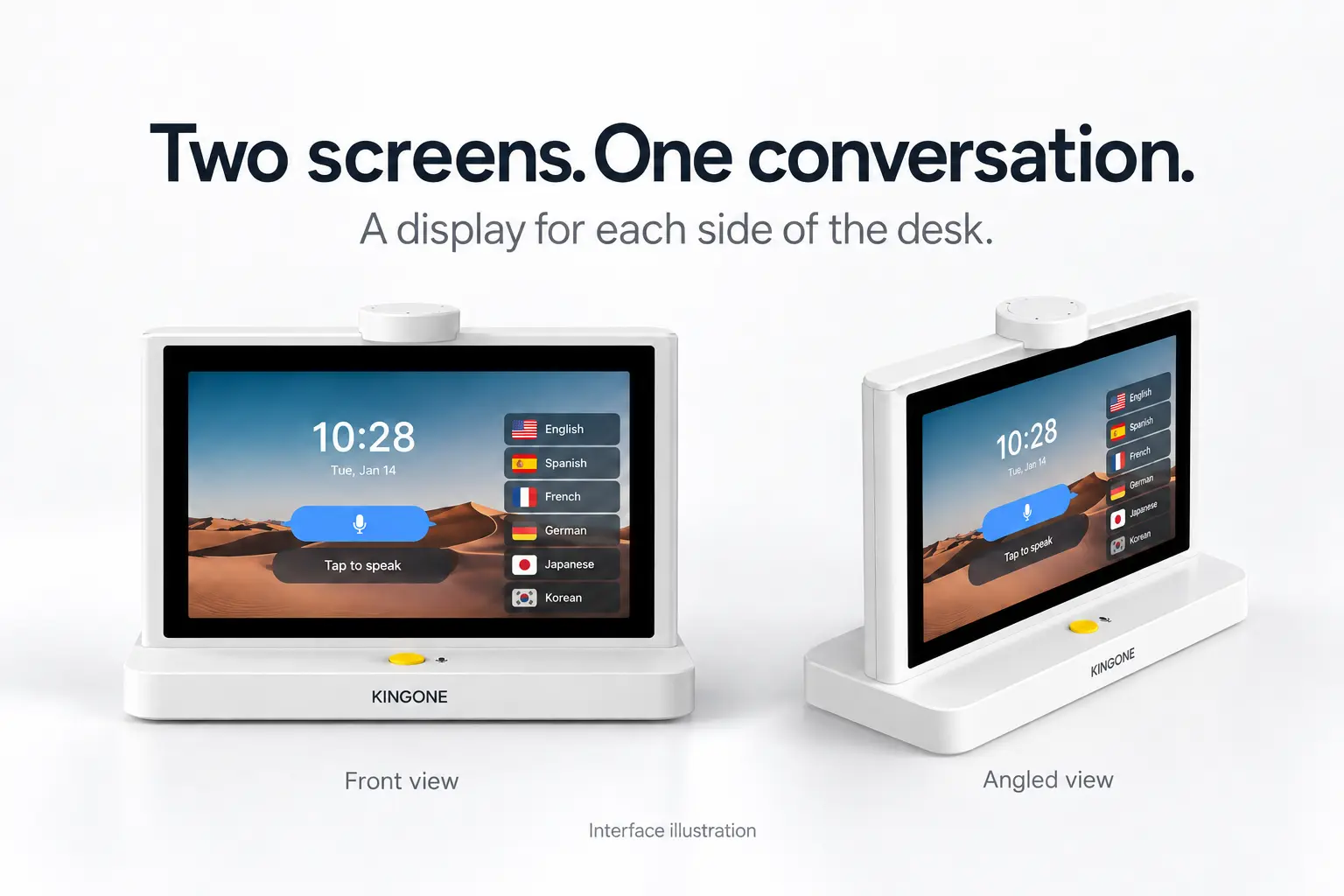
Opposing displays give each participant a screen facing their side of the desk.
Less passing around.
The desktop layout is designed to keep the device in place during a face-to-face exchange.
Information in sight.
Conversation text and available visual content bring another way to follow an explanation.
Desktop voice translation
Make space for
understanding.
Bring a dedicated translation device to the everyday moments when a question deserves a clear explanation.
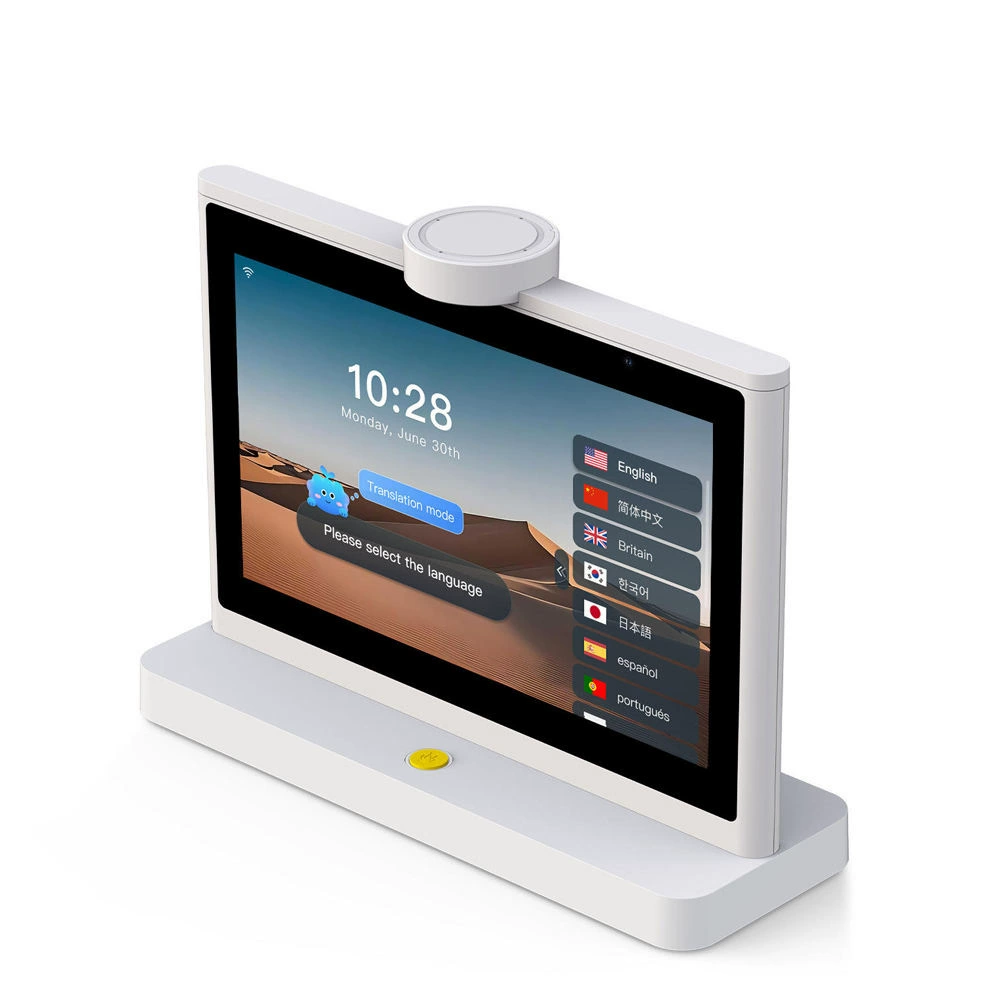
Select the languages.
Use the touchscreen language selection interface to choose from the options available in the supplied software configuration.
Bring speech into view.
The advertised voice translation function presents conversation content on screen, adding written context to the exchange.
Follow the exchange.
With a display facing each person, translated information has a dedicated place on the desk throughout the conversation.
Supported language pairs, speech recognition, voice playback, listening controls and offline availability depend on the supplied software. Confirm the functions required for your intended use.
Translator + AI assistant
When the conversation
opens a question.
A visitor may want more than a translated sentence. They may be looking for somewhere to eat, something to explore or help understanding the next step.
The advertised AI assistant adds a question-and-response experience to the desktop translator. Supplier demonstrations include enquiries about local food and places to visit.
It is another way to explore information at the point of contact, alongside the device’s translation functions.
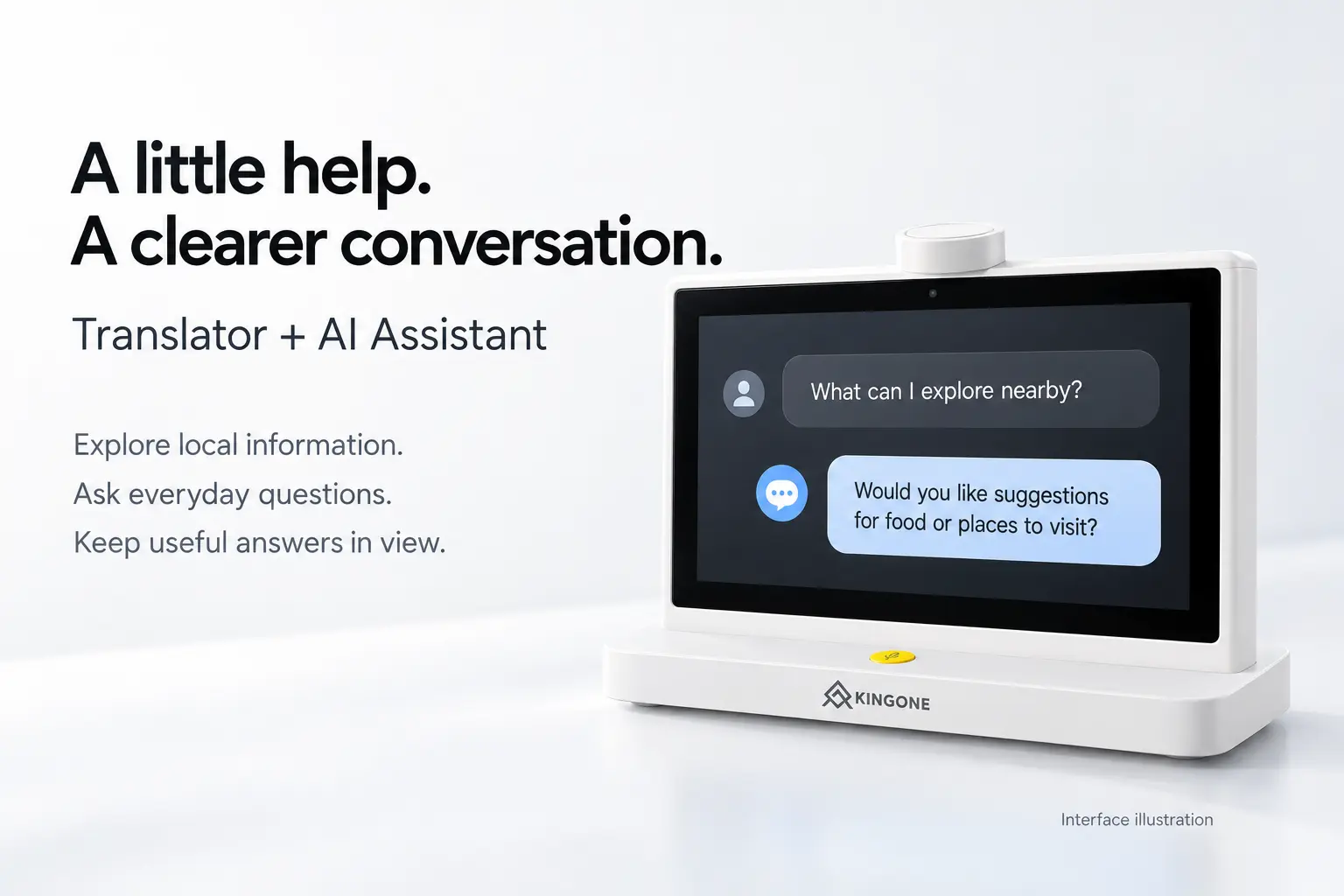
Visitor enquiries.
Explore the advertised assistant experience for questions about local information and places to visit.
Conversation on screen.
The illustrated dialogue format gives questions and responses a clear visual structure.
A useful starting point.
Use AI responses as a starting point for an enquiry, and verify important details before acting on them.
AI service availability, internet requirements, usage allowances and renewal terms require confirmation for the selected version and destination country.
Company knowledge base
Some things are
better shown.
A photograph can make a room description more meaningful. A relevant image can give a product explanation more context.
The advertised company knowledge-base feature brings business information and imagery into the translation workflow. Supplier materials show room photographs presented alongside a hotel enquiry.
Words explain. Images add context. Together, they offer a more visual way to help a customer understand the available information.
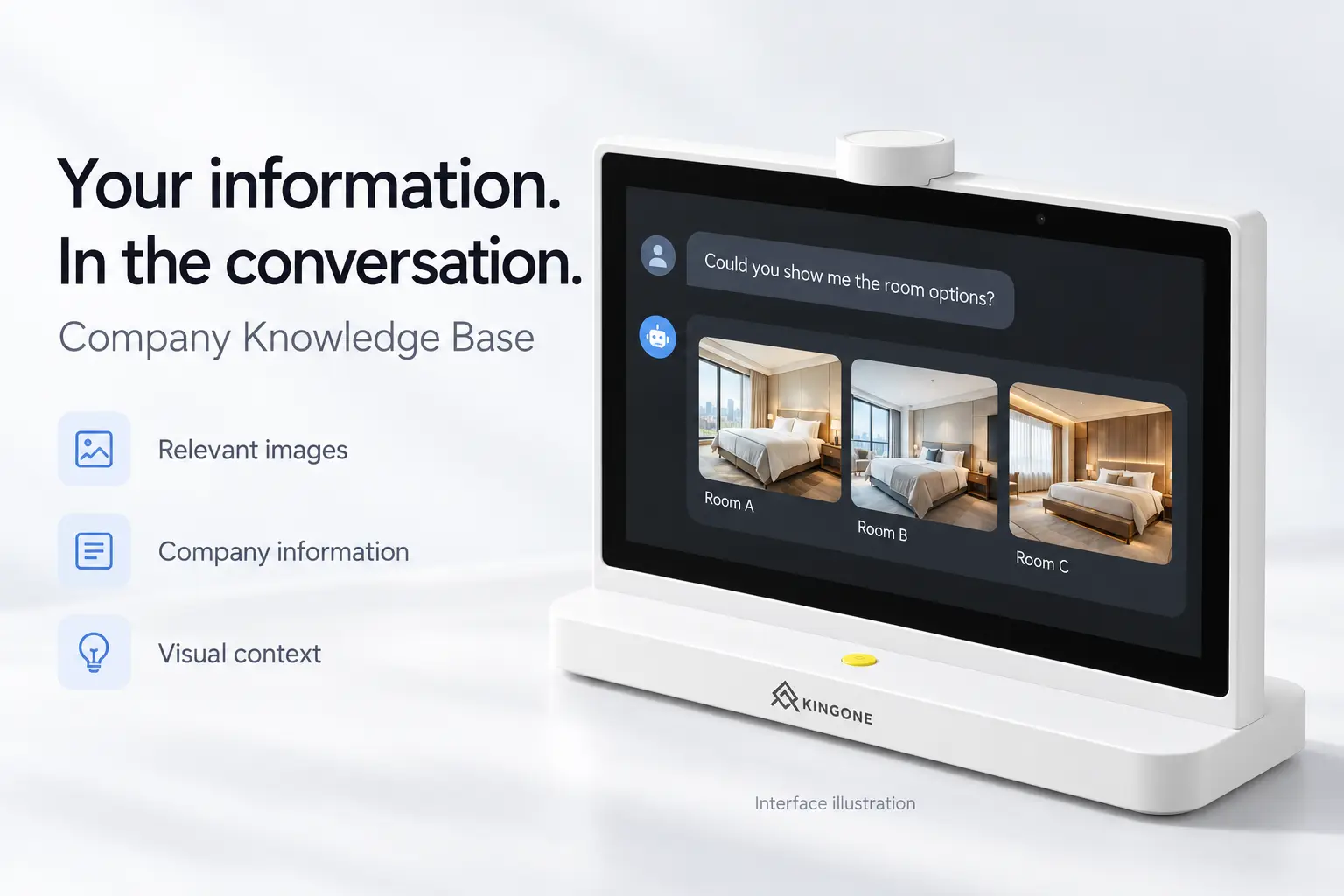
Relevant imagery.
The demonstrated workflow pairs conversation content with images, such as hotel room photographs.
Business information.
Supplier materials show a company knowledge-base interface for organising content.
More visual context.
Evaluate how your room descriptions, product details or service information could fit the available workflow.
Confirm supported content formats, management access, storage limits and update methods. The room example does not establish live availability, automatic booking or integration with a hotel management system.
Find your setting
Where people meet.
Where understanding matters.
Explore a business translation device for staffed spaces where international guests, customers and colleagues speak face to face.
Hospitality
A more welcoming reception.
Consider a hotel reception translator for guest enquiries, room descriptions, facilities and local information. The desktop format places a screen on each side of the counter during the exchange.
Retail
Give the details their moment.
Explore face-to-face translation for discussions about products, options and services. Where the configured knowledge-base feature allows, relevant images can support the explanation.
Business
A shared focus at the table.
Evaluate the device for one-to-one introductions, customer consultations and supplier discussions. Test specialist terminology, names and numbers in your required language pairs.
Visitor services
A place to ask and explain.
Consider a dedicated desktop voice translator for staffed information desks and service counters. Check speech pickup and software performance in your location’s actual noise and network conditions.
A closer look
A desktop design.
With purpose in view.
The white frame, opposing displays and integrated base give the translator a dedicated tabletop form. A top-mounted microphone module and a microphone switch are identified in the supplier’s hardware diagram.
The specification also lists two IPS HD touchscreens, two HD cameras, a 2W speaker and Wi-Fi connectivity. Camera functions and detailed wireless specifications should be confirmed for the supplied version.
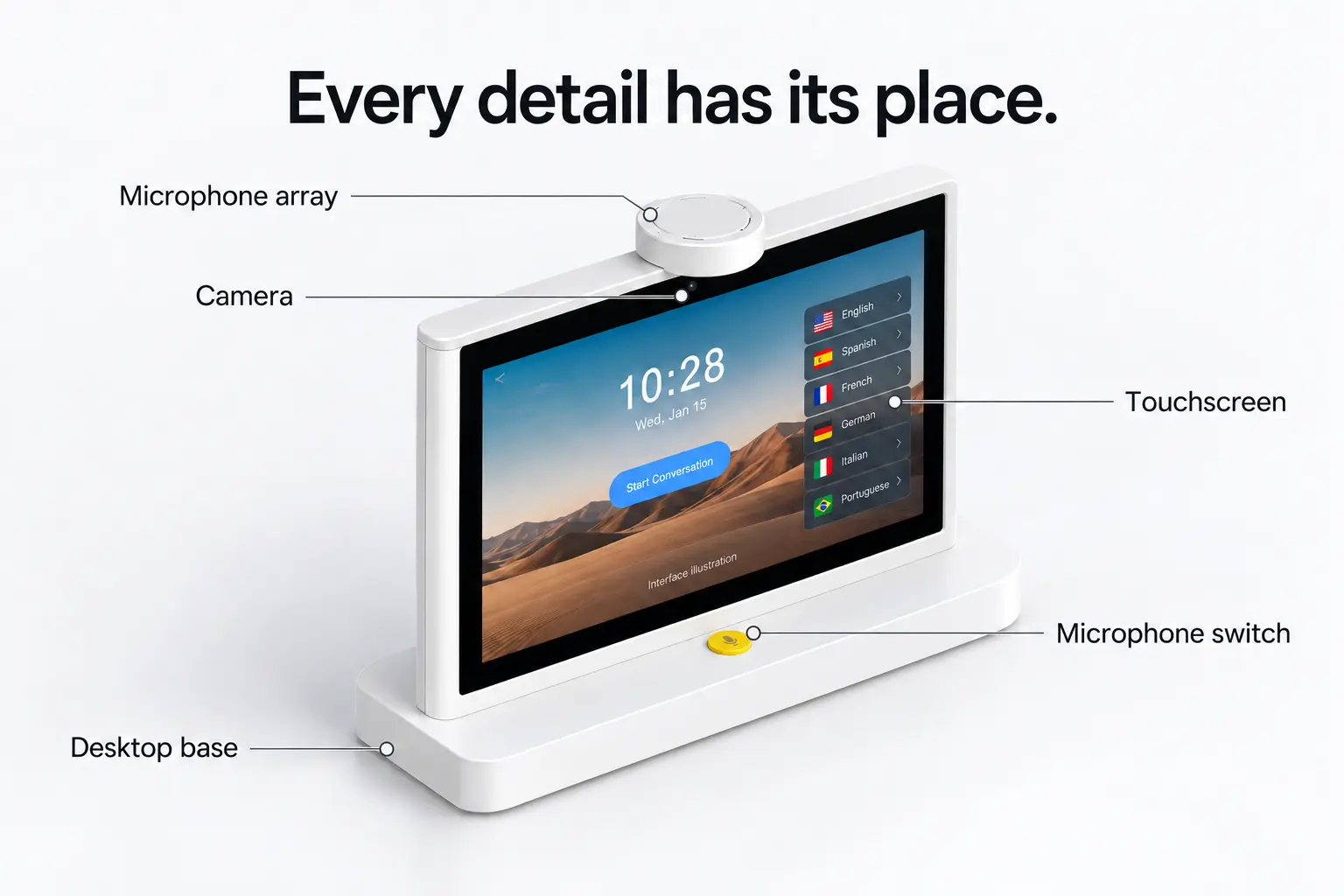
Touchscreen interaction.
Navigate available software options through the touch-enabled display interface.
A place on the counter.
The listed dimensions are approximately 10.77 × 3.80 × 8.40 inches, with a product weight of approximately 3.97 pounds.
External power.
The supplier lists DC 12V / 2A power input. Battery capacity and cordless runtime are not specified.
Technical specifications
The details.
Clearly presented.
Review the supplier-listed hardware information and the configuration details to confirm before ordering.
Approximately 10.77 × 3.80 × 8.40 in
30%–80% relative humidity
Specifications reflect supplier-provided materials and have not been independently tested. The source listing uses QG-10FY-WTF in its attributes and T10 MAX in its hardware sheet. Confirm the final supplied model and configuration. Marketing images are AI-edited illustrations adapted from those materials; product, logo and interface details may differ from the supplied device.
Before you choose
A little more clarity.
Answers to the practical questions behind a confident decision.
What is a desktop dual-screen AI translator?
It is a tabletop translation device with a display facing each participant. This product is advertised with voice translation, AI assistance and company knowledge-base functions for face-to-face communication.
Why choose a two-screen layout?
A screen on each side gives both participants a view during the exchange. The arrangement is designed to reduce the need to pass a device back and forth or rotate a single screen across a counter.
Which languages are available?
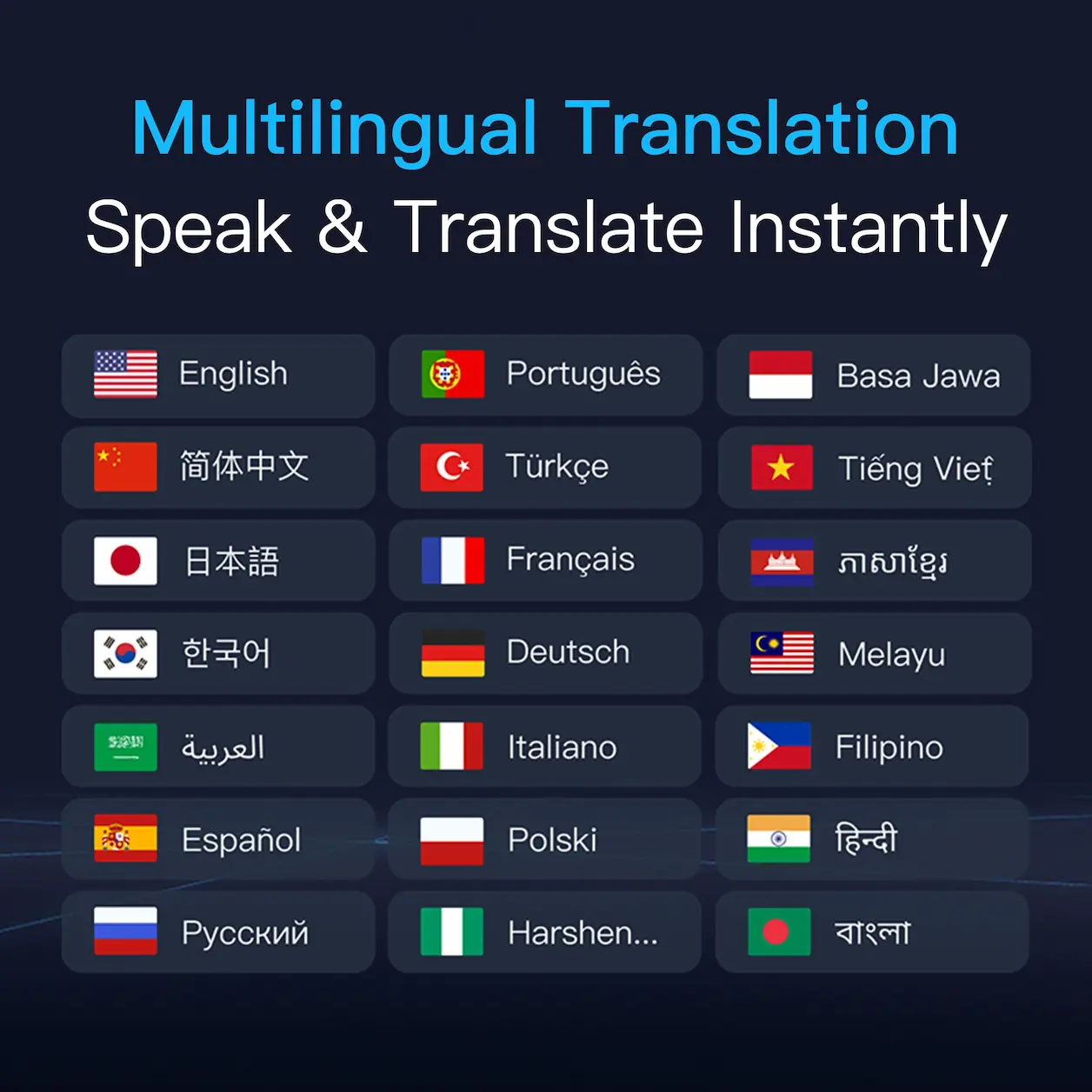
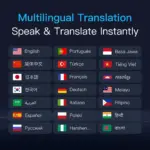
Multilingual translation is advertised, but a verified language-support matrix is not included in the supplied materials. Request the current lists for speech recognition, text translation and voice playback, then confirm your required language pairs.
Does the translator work offline?
Offline translation is not confirmed by the supplied materials. Wi-Fi is listed in the hardware specification. Check the internet requirements for translation, AI assistance and knowledge-base access.
Does it offer automatic or simultaneous translation?
The materials do not clearly establish overlapping speech, continuous simultaneous interpretation or automatic turn detection. Request a demonstration of the supplied version to confirm its listening and conversation controls.
How could it be used at a hotel reception desk?
Hotel reception is an advertised application. Potential uses include guest enquiries, room descriptions, facilities and local information. Evaluate the device with your actual guest languages, vocabulary, background noise and network conditions.
What does the company knowledge-base feature show?
Supplier materials illustrate company information and relevant images within a conversation workflow. A hotel example shows room photographs alongside a guest enquiry. Confirm supported file types, content management and update procedures.
Can it access live booking or inventory information?
Live booking, room inventory and business-system integrations are not established by the supplied materials. The illustrated hotel conversation should not be treated as proof of a working system connection.
Are AI and translation services included permanently?
Licence duration, service allowances and renewal prices are not specified. Confirm what is included with the device, which functions require ongoing payment and what remains available if a service expires.
Do the cameras support photo translation?
Two HD cameras are listed, but photo translation, OCR and video calling are not confirmed. Ask for a demonstration of any camera function required for your intended use.
Can the device be used without a power cable?
The supplier lists DC 12V / 2A power input. Battery capacity and runtime are not provided, so cordless operation should be confirmed before ordering.
Can it be customised with a company logo?
The supplier advertises logo customisation and private-label production. Confirm minimum order quantities, artwork requirements, costs and whether software-interface customisation is available.
What should US, UK and European buyers confirm?
Check the supplied model, required language pairs, software availability in the destination country, compatible adapter and plug, model-specific documentation, service fees and after-sales arrangements. The supplier advertises a three-year warranty, but international coverage and repair procedures require confirmation.
 Overview
| Color | White |
|---|---|
| Display arrangement | Two opposing IPS HD touchscreens |
| Screen size | The listing describes a 10.1-inch product; the hardware sheet specifies two 10-inch screens. Confirm exact panel size and resolution. |
| Processor | Described by the supplier as “2 dual-core CPUs”; chipset model and architecture require confirmation. |
| Cameras | Two cameras listed at 1920 × 1080. Supported camera functions require confirmation. |
| Power input | DC 12V / 2A |
| Speaker | Listed power: 2W |
| Dimensions | 273.58 × 96.5 × 213.48 mm Approximately 10.77 × 3.80 × 8.40 in |
| Listed product weight | 1.8 kg / approximately 3.97 lb |
Reviews
There are no reviews yet.